Home
chevron-right icon
iOS 27
iOS 27
Most Popular
Apps
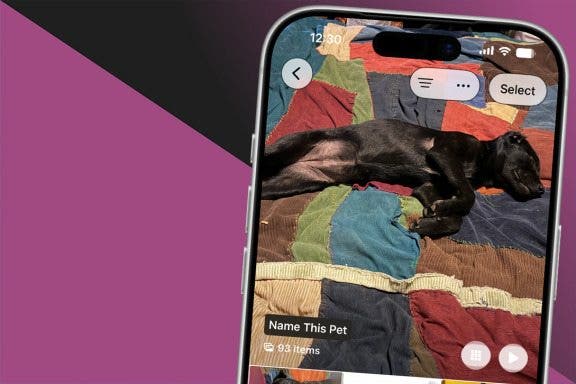
Fixed: People Album Won’t Recognize Pictures of Pets
Rhett Intriago
•
Sep 07, 2026
Cellular Service & Data
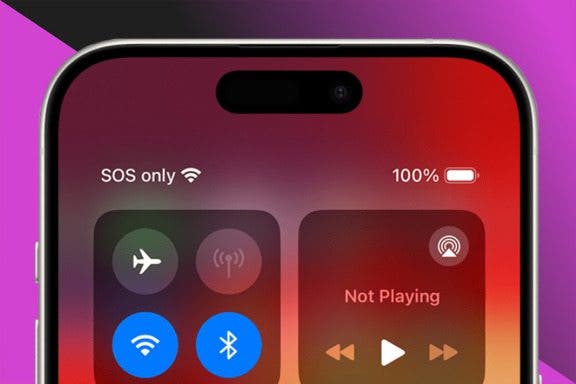
Answered: What Does SOS Mean on iPhone?
Rachel Needell
•
Sep 07, 2026
Apps
How to Share Health Data with Your Doctor
Rachel Needell
•
Jun 22, 2026
Apps
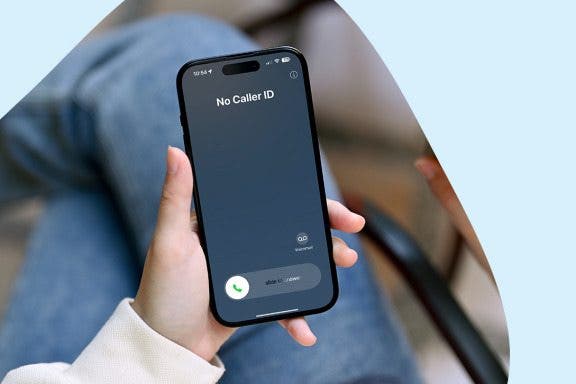
How to Trace a No Caller ID Call & Identify Unknown Callers on iPhone
Rachel Needell
•
Aug 05, 2026
Dock
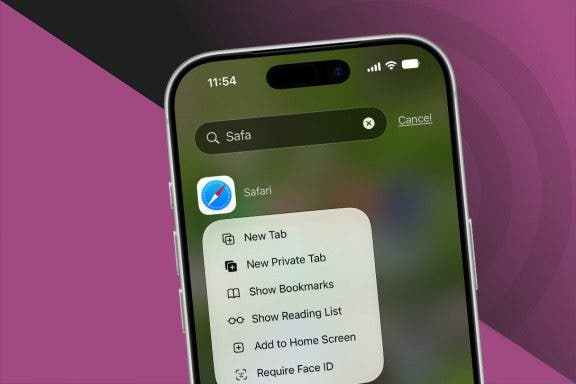
How to Get Safari Back on Your iPhone & iPad
Rhett Intriago
•
Sep 07, 2026
Apps
How to See Old Notifications on Your iPhone
Amy Spitzfaden Both
•
Nov 03, 2026
Apple Apps
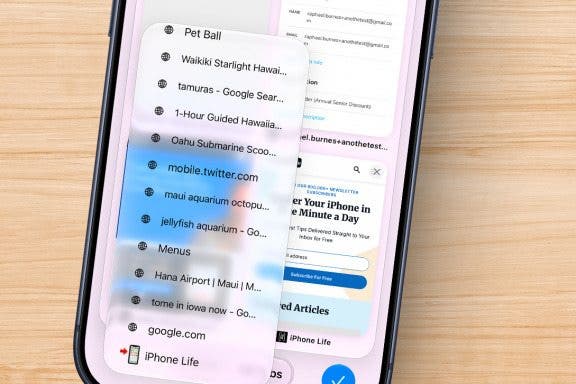
How to Reopen Closed Tabs in Safari on iPhone
Kenya Smith
•
Sep 23, 2026
Apple Apps
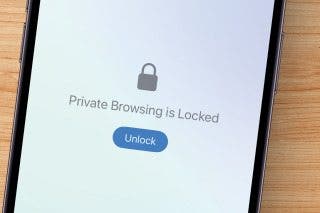
Is Private Browsing Actually Private?
Kenya Smith
•
Jul 15, 2026
Become an Apple device expert
Daily one-minute tips sent straight to your inbox.
Subscribe For Free
Latest Articles
Apple Apps
How to Reopen Closed Tabs in Safari on iPhone
Kenya Smith
•
Sep 23, 2026
AirTag
Find My iPhone Not Working? Fix It Fast!
Ashleigh Page
•
Sep 23, 2026
iOS
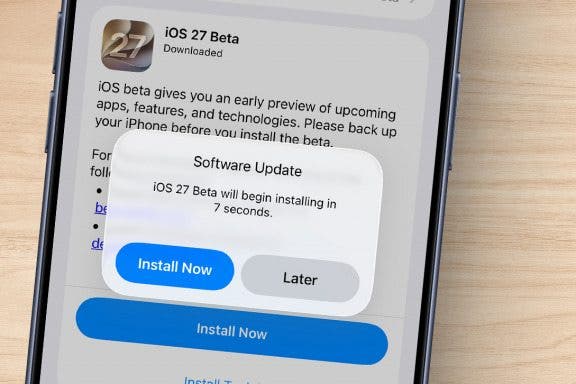
How to Download & Install the New iOS Update (iOS 27)
Conner Carey
•
Sep 10, 2026
Apps
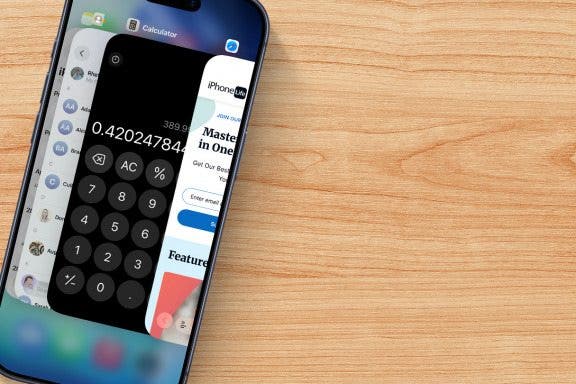
How to Use App Switcher on iPhone
Conner Carey
•
Sep 09, 2026
Keyboard
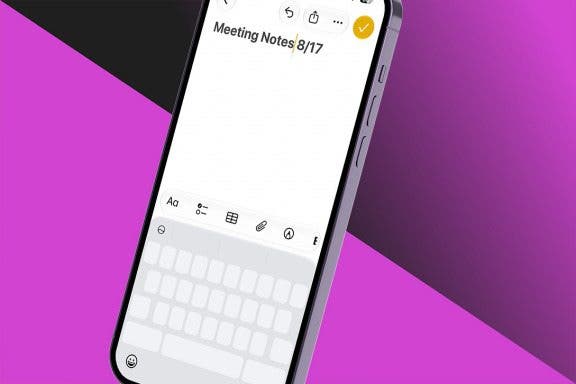
Edit & Select Text with this Hidden iPhone Feature
Conner Carey
•
Sep 09, 2026
Apps
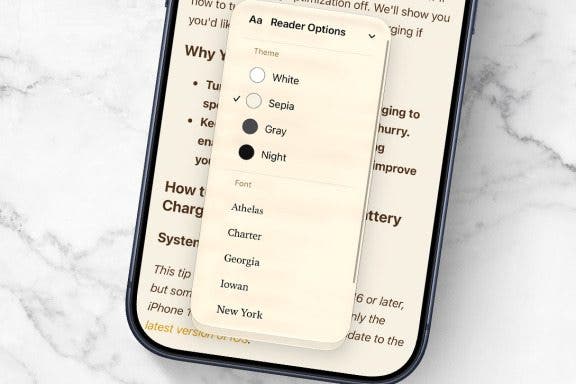
How to Use Safari Reader Mode on iPhone & iPad
Jim Karpen
•
Sep 09, 2026
Apps
How to Use Volume Buttons to Take a Picture on an iPhone
Hallei Halter
•
Sep 09, 2026
Apple ID
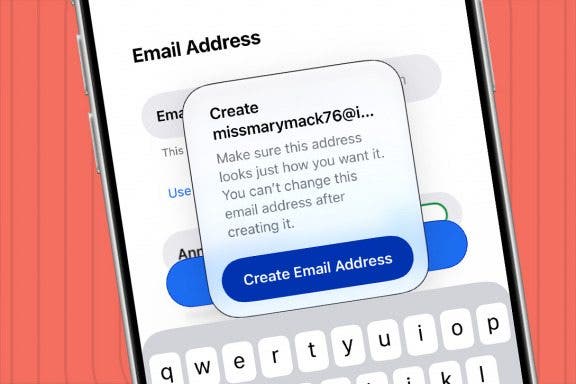
How to Create a New Apple ID on Your iPhone Quickly & Easily
Leanne Hays
•
Sep 07, 2026
Cellular Service & Data
Answered: What Does SOS Mean on iPhone?
Rachel Needell
•
Sep 07, 2026
Apps
How to Set Up Face ID on Your iPhone & Use It to Unlock Apps
Conner Carey
•
Sep 07, 2026
Advertisement
Apps
Fixed: People Album Won’t Recognize Pictures of Pets
Rhett Intriago
•
Sep 07, 2026
Apps
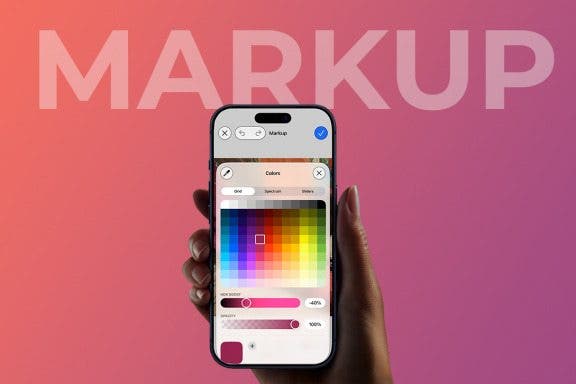
Coolest Ways to Use Markup on iPhone to Edit Photos & PDFs
Olena Kagui
•
Sep 07, 2026
Dock
How to Get Safari Back on Your iPhone & iPad
Rhett Intriago
•
Sep 07, 2026
Apps
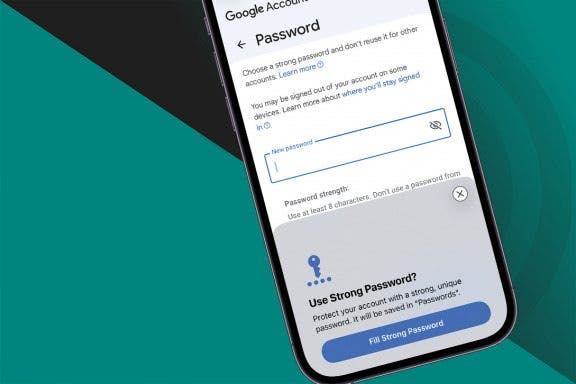
How to Update Your Email Password on an iPhone or iPad
Leanne Hays
•
Sep 02, 2026
Backups
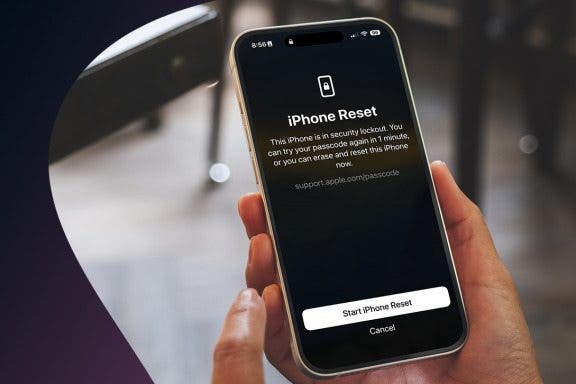
Forgot Your iPhone Passcode? What to Do & How to Fix It
Amy Spitzfaden Both
•
Sep 02, 2026
Messages
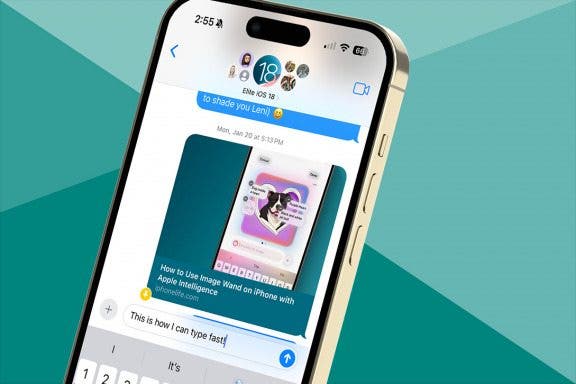
8 iPhone Typing Tricks for Speedy Messaging
Ashleigh Page
•
Aug 31, 2026
Apple Apps
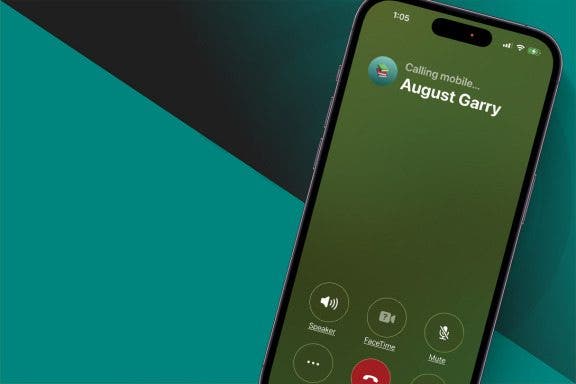
How to Switch from Text to Phone Calls on the iPhone
Hallei Halter
•
Aug 18, 2026
Apps
How to Trace a No Caller ID Call & Identify Unknown Callers on iPhone
Rachel Needell
•
Aug 05, 2026
iOS
How to Sign Up for the Apple iOS 27 Public Beta Program
Conner Carey
•
Jul 23, 2026
Apple Apps
Is Private Browsing Actually Private?
Kenya Smith
•
Jul 15, 2026
arrow-left icon
1
arrow-right icon
Related topics
iOS 15
Mindfulness
(Third-Party Services/apps)
iPhone X
Kids & Parenting
Find My


 Kenya Smith

 Ashleigh Page
 Conner Carey
 Jim Karpen

 Hallei Halter
 Leanne Hays
 Rachel Needell
 Rhett Intriago
 Olena Kagui
 Amy Spitzfaden Both